

What Is an Instructor Login Portal?
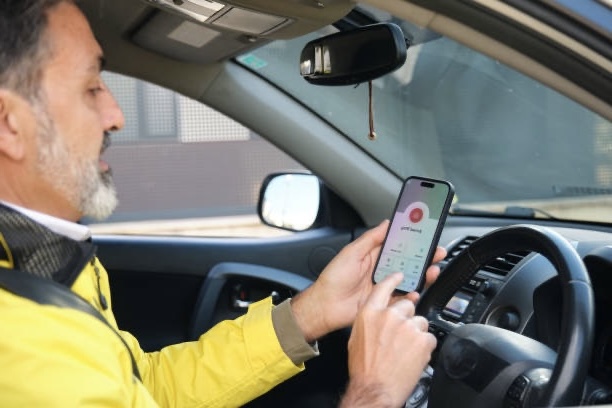
An Instructor Login Portal is a secure online platform designed for Approved Driving Instructors (ADI& PDI) to efficiently manage their lessons, students, and schedules.
By logging in with personal credentials (such as an email address and password), instructors gain access to a dashboard that allows them to:
• Manage student profiles and track learning progress
• Schedule, reschedule, and monitor lessons
• Record feedback, test results, and notes
• View payments, earnings, and availability
• Communicate easily with students or the driving school admin
In short, it’s like a digital office for instructors — keeping everything organised, secure, and accessible anytime, anywhere.
Here are the most common and useful tools available once you log into an instructor dashboard:
Key Features of an Instructor Portal


Lesson Schedule/Calendar
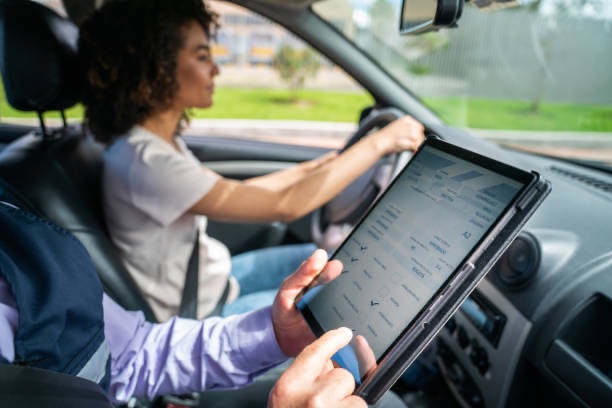
• View upcoming lessons by day/week/month
• Add, edit, or cancel bookings
• See student names, locations, and lesson duration
• Sync with mobile devices or Google Calendar
• Mark lessons as completed or no-shows
Student Management
• Access student profiles (name, age, licence number)
• Track progress using a structured DVSA learning syllabus
• Record lesson history, notes, and performance
• Upload mock test results or feedback
• Mark when theory/practical tests are booked or passed
Progress Tracking
• Visual progress charts or checklists
• Highlight areas of strength and areas to improve
• Share reports or updates with students or parents
• Tick off completed skills (e.g. roundabouts, bay parking)
Payment & Invoicing
• Track payments received and pending
• View hourly rates, package prices, and discounts
• Generate receipts or invoices for students
• Integrate with payment systems like Stripe or PayPal

Messaging & Notifications
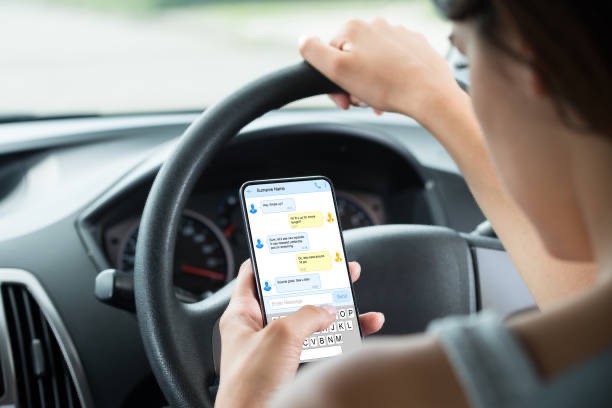
• Message students directly (email or in-portal chat)
• Send reminders for lessons, tests, or outstanding payments
• Receive admin updates from the school or platform
Profile Settings & Preferences
• Set availability and working hours
• Choose lesson areas or zones (postcode-based)
• Update contact information or vehicle details (make, model, reg)
• Upload profile photo and certification info (ADI badge)
Documents & Resources
• Access lesson plans, syllabus documents, or DVSA guidelines
• Upload your own teaching resources or notes
• Download certificates, contracts, or insurance documents
How to Access an Instructor Login Portal
Typically:
1. Go to the driving school or platform’s website (e.g. www.exampledrivingschool.co.uk)
2. Click “Instructor Login” or “Instructor Portal” link
3. Enter your username/email and password
4. If logging in for the first time, you may need to:
• Confirm your email
• Set up security questions
• Accept terms and conditions

How to Access the Instructor Login Portal
Typically, instructors can log in to their school or platform account by following these steps:
Visit the platform’s website
www.lessonnow.co.uk
Click on “Instructor Login” or “Instructor Portal” from the homepage
Enter your credentials — your registered email/username and password
First-time login setup:
If you’re accessing the portal for the first time, you may be prompted to:
• Confirm your email address
• Set up security questions
• Accept the platform’s terms and conditions


Mobile App Versions
Many instructor portals are mobile-friendly or offer apps so you can:
• Update lesson status on the go
• Check your daily schedule
• Communicate with students instantly
• Upload notes right after a lesson
Why Use an Instructor Login Portal?
An Instructor Login Portal is a professional digital tool that helps driving instructors:
• Stay organised – manage lessons, bookings, and schedules in one place
• Track student progress – record feedback, test readiness, and performance history
• Handle admin tasks digitally – reduce paperwork and save valuable time
• Communicate easily – send messages and updates directly to learners or the driving school
Whether you’re part of a large driving school or working independently, an Instructor Portal gives you greater control, efficiency, and visibility over your day-to-day operations.